About the Dashboard
The Amanpay Dashboard is a user interface that allows you to:
- view your payments
- analyze your payments by creating reports with your payments data
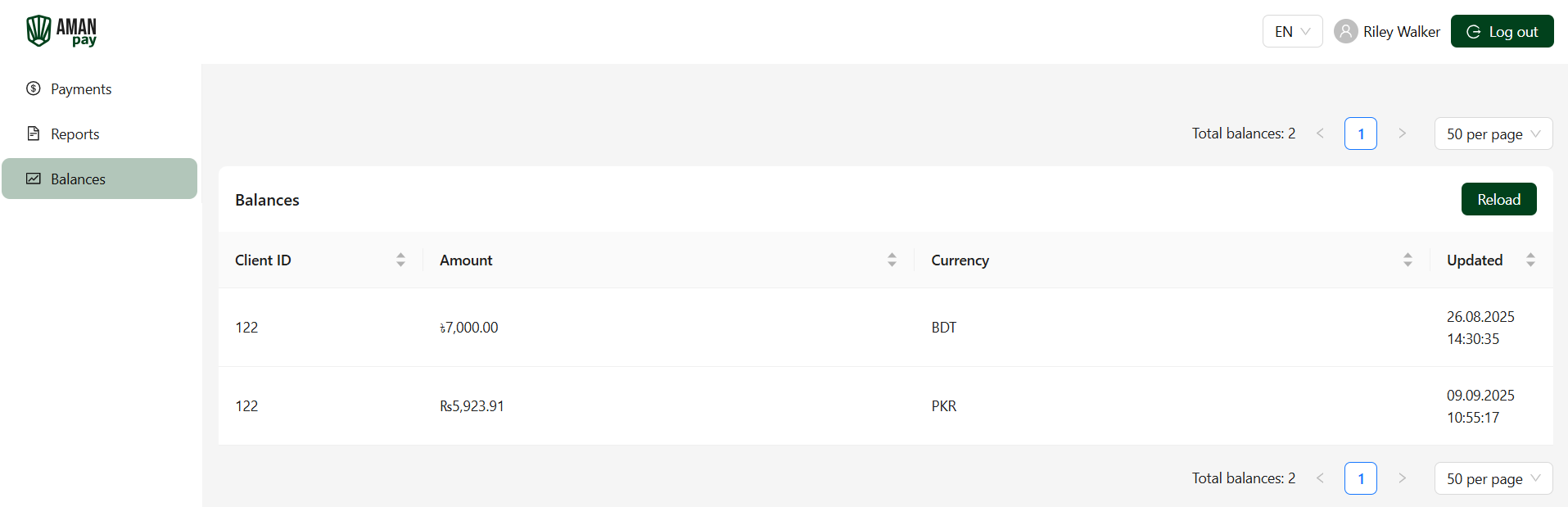
- check information on your balances
The Amanpay Dashboard is available at https://merchant.amanpay.io. To get access to the Dashboard, reach out to your account manager at Amanpay or the support team at support@amanpay.io.
Viewing payments
You can view information on your payments in the Payments section.
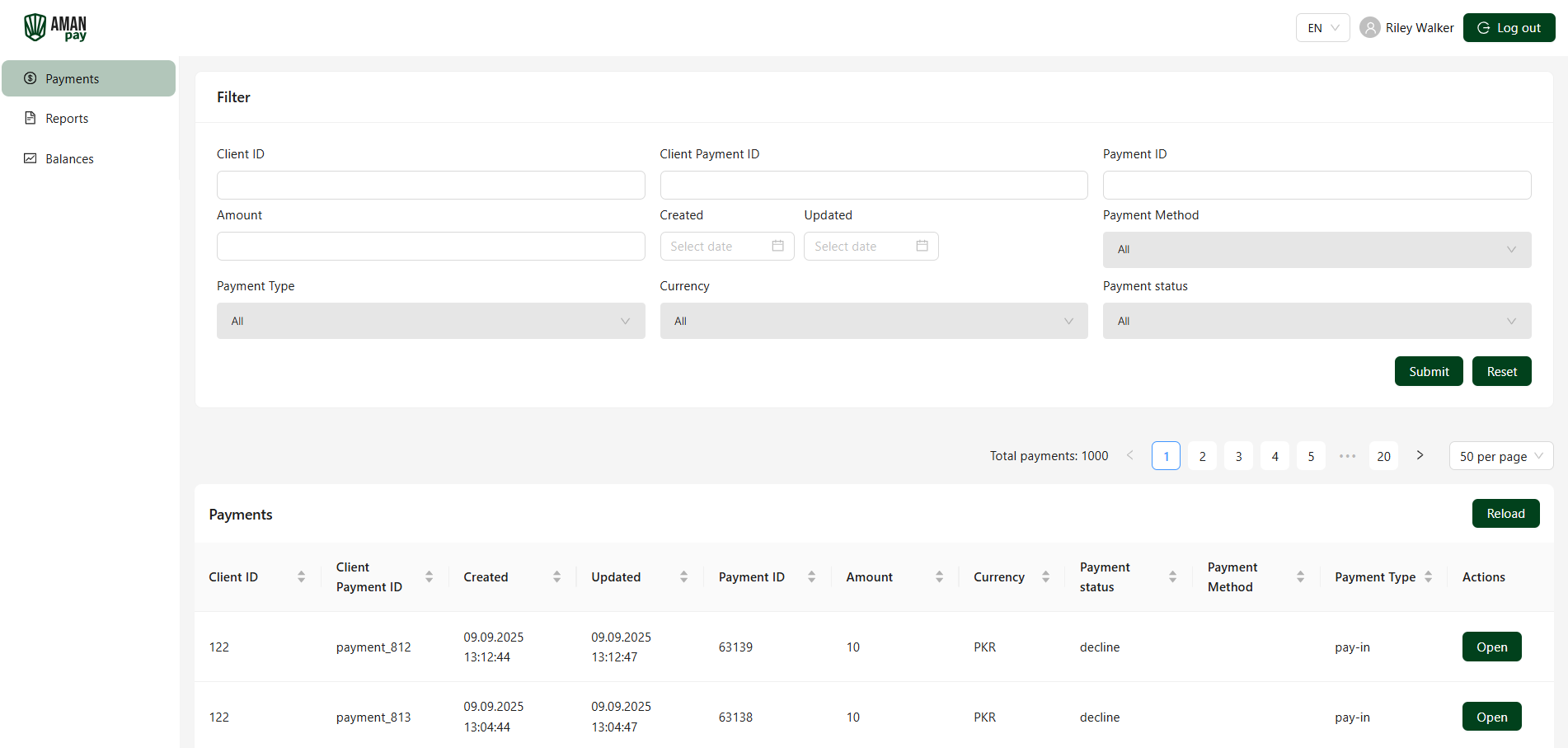
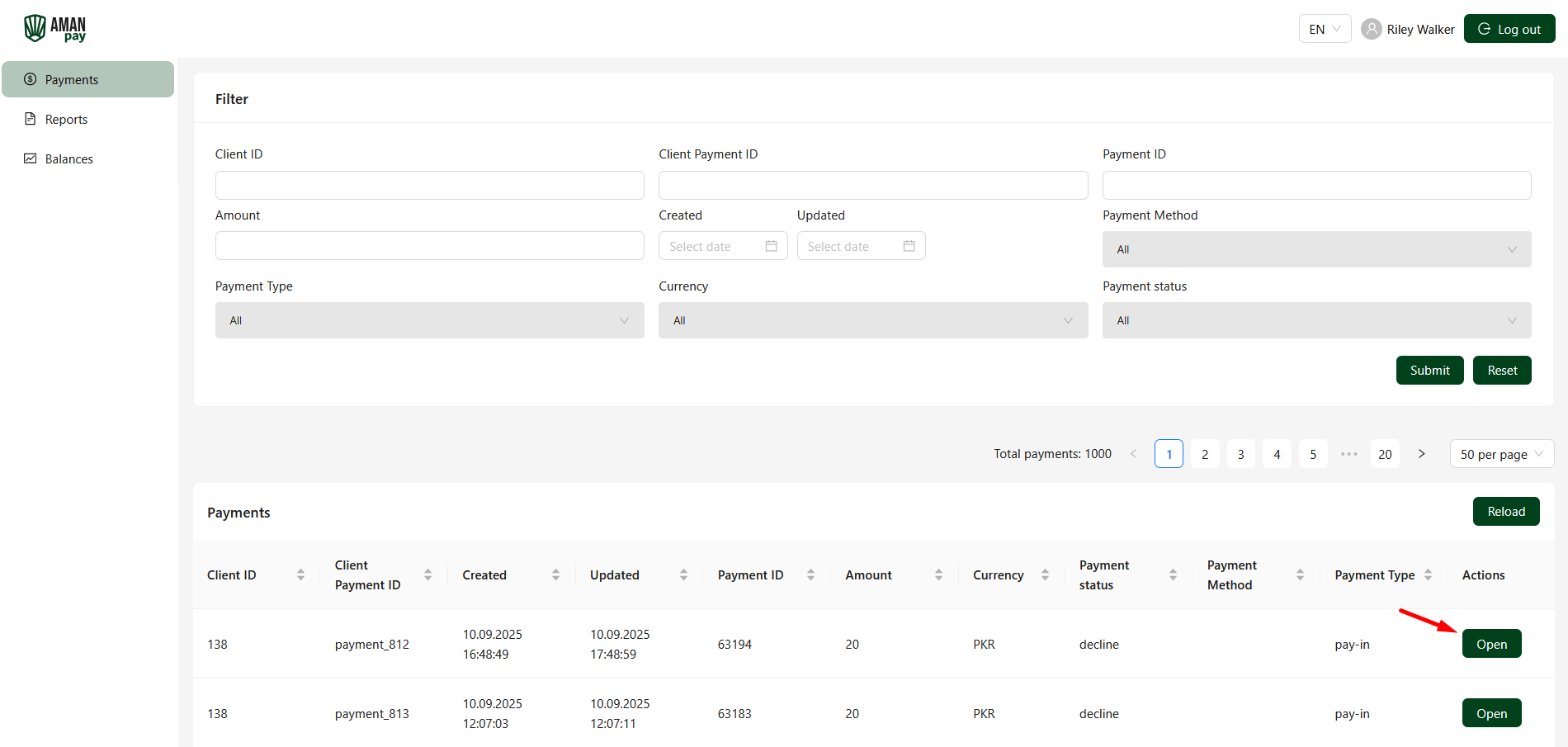
To view information on a specific payment, open its payment details by clicking the Open button.
Creating reports
You can create reports with your payments data in the Reports section.
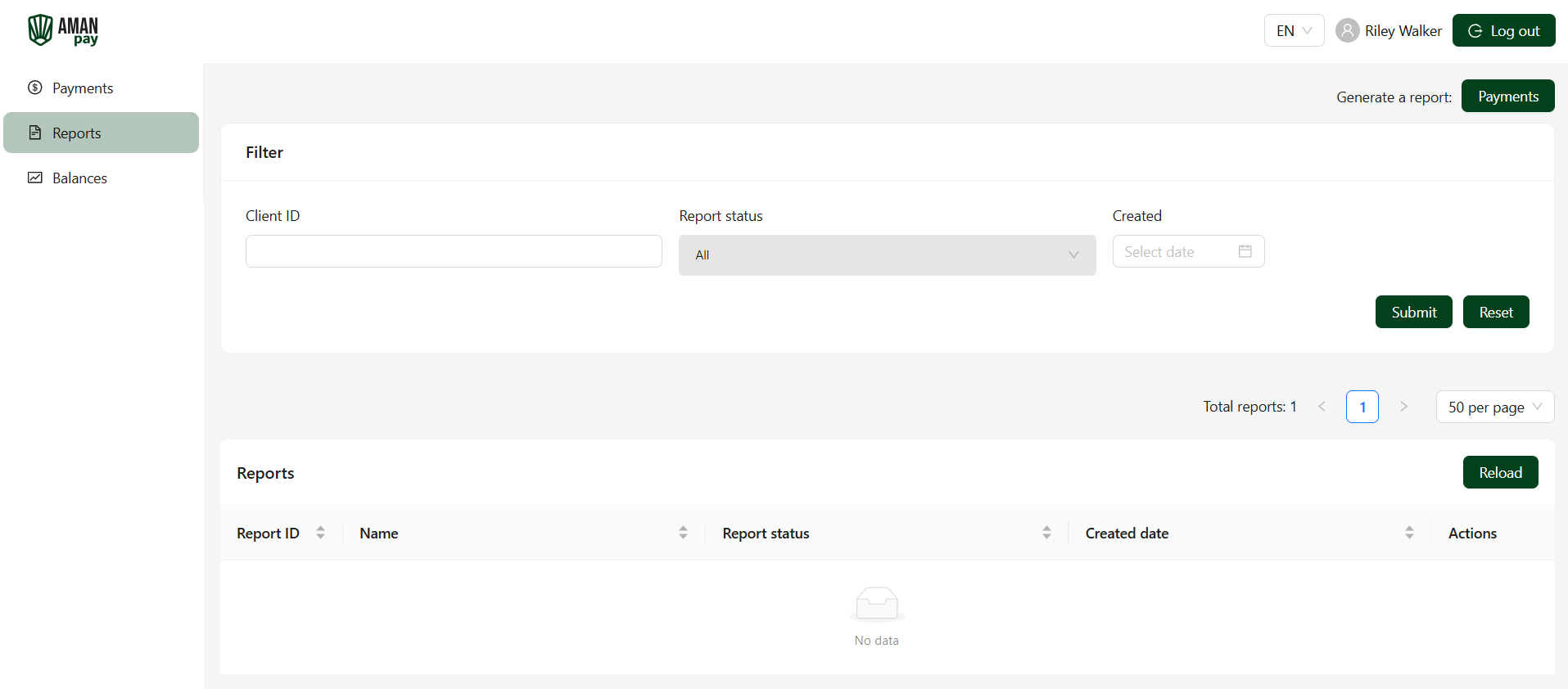
To create a report in the Amanpay Dashboard:
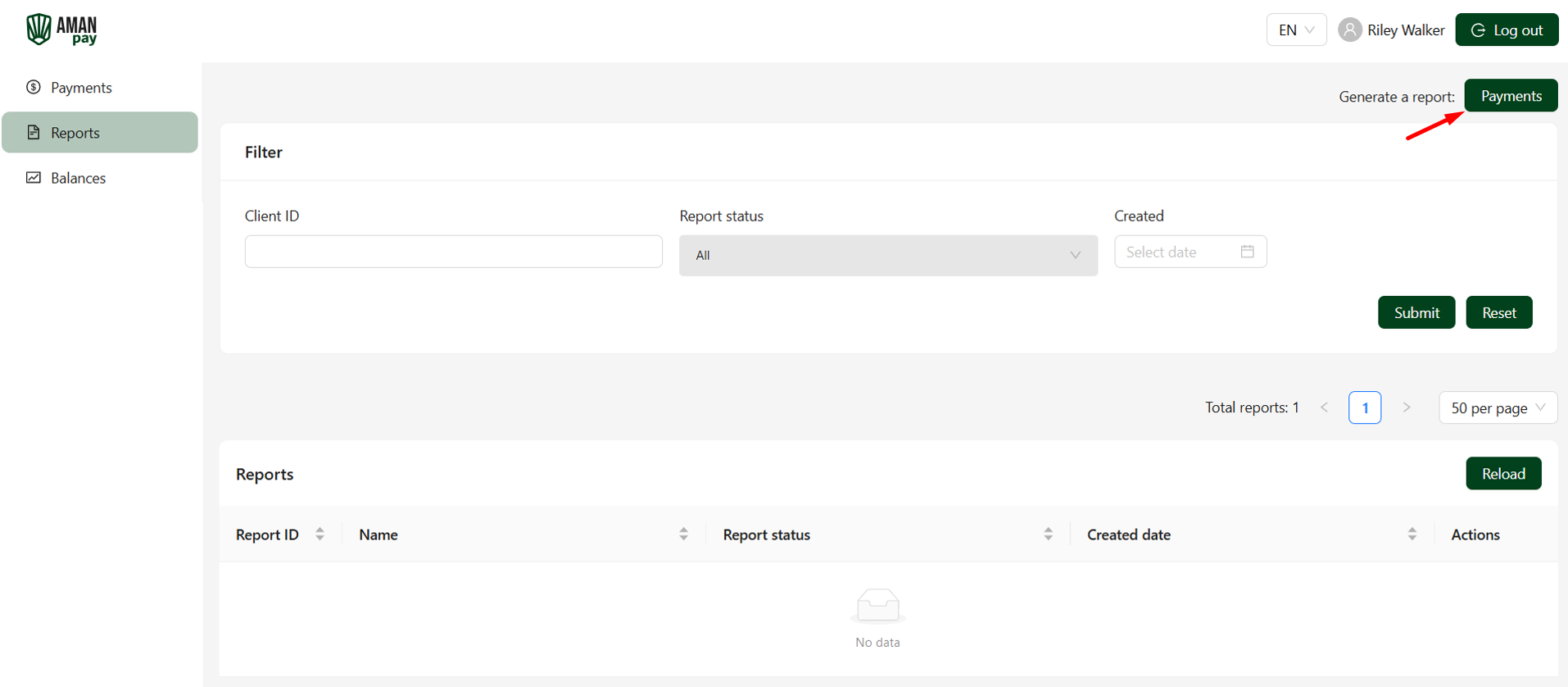
- Click the Payments button in the upper right corner of the interface.
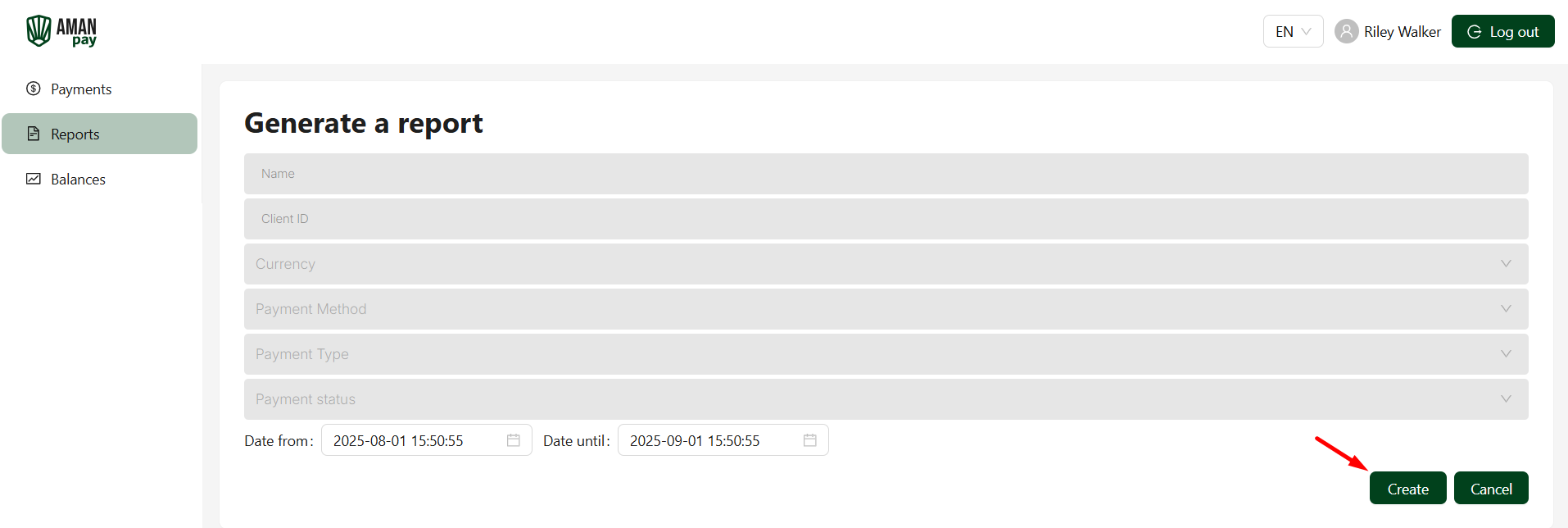
- Set the parameters of the report and click the Create button.
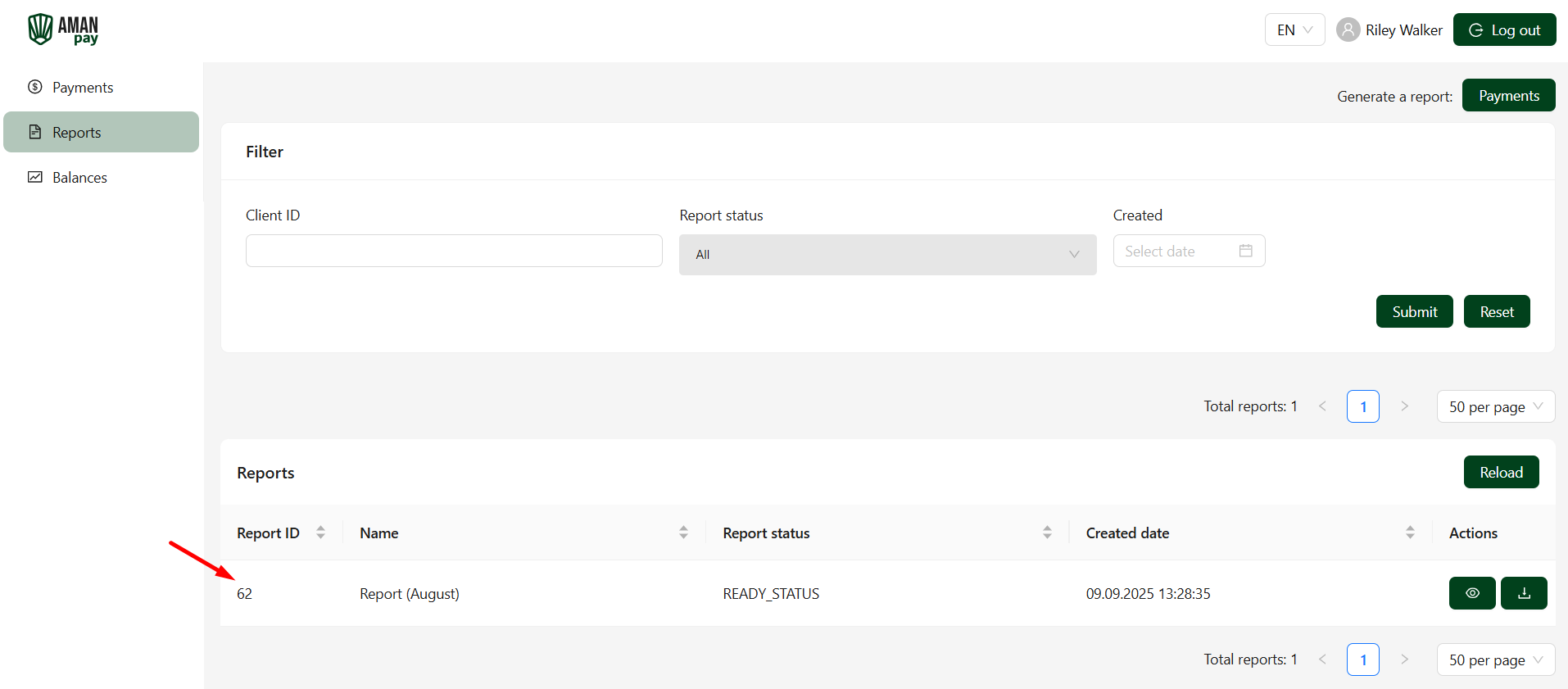
The completed report will appear in the Reports section.
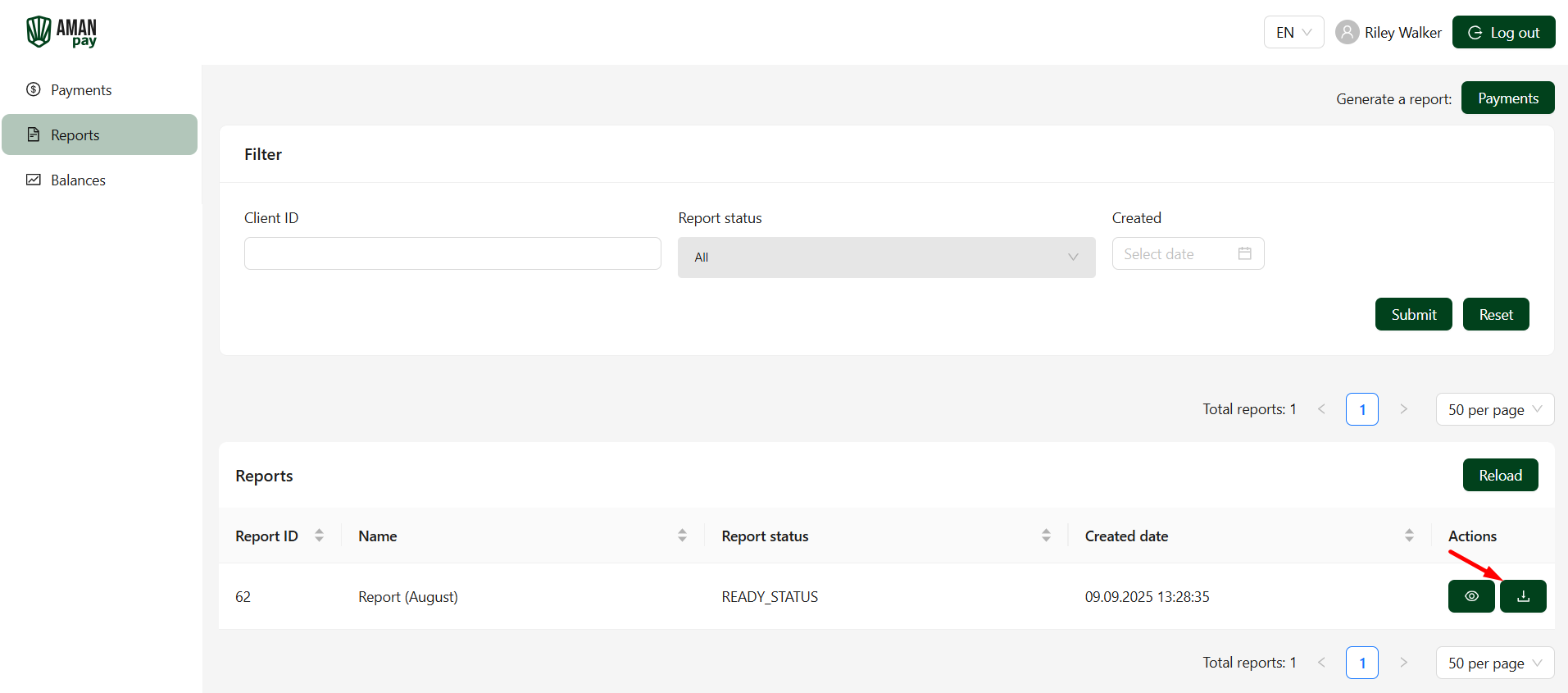
To view the completed report, download it to your device by clicking the download button.
Checking balances
You can check your balances in the Balances section.